
5 Steps to Kickstart Your Web Design Journey
Starting with web design? It might feel like a big mountain to climb, but trust me, you’ve got this! Here’s a simple five-step guide to get you rolling.

1. Get to Know the Basics: HTML, CSS, and JavaScript
These are your web design building blocks.
HTML: Think of this as the bones of a website—it holds everything together.
CSS: This is where the magic happens, adding style, colors, and personality.
JavaScript: Want buttons or cool animations? This is your tool for interactivity.
💡 Free places to learn:
2. Pick the Right Tools
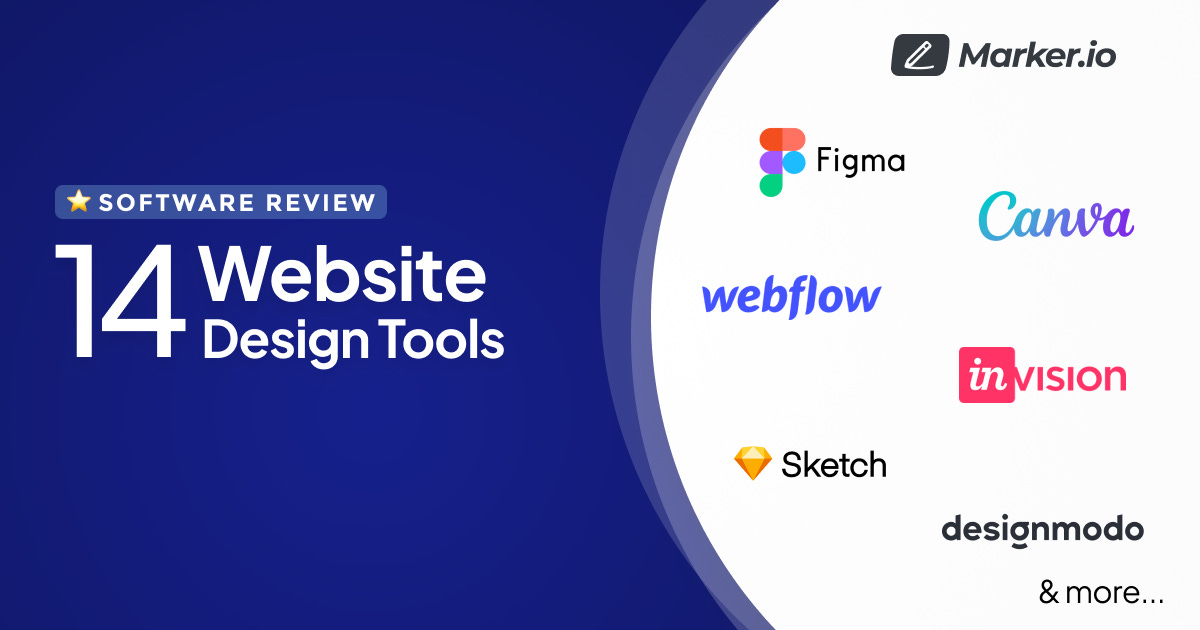
Great tools make life easier. Here are some must-haves:
Design tools: Figma (free!), Canva and Adobe XD (trial version if you’re curious).
Code editor: Visual Studio Code. It's free and beginner-friendly.
No-code editor: Framer (free), Webflow.
3. Learn Some Basic Design Stuff
Design isn’t just coding; it’s about making things look good and work well.
Typography: Picking fonts that are easy to read and fit your vibe.
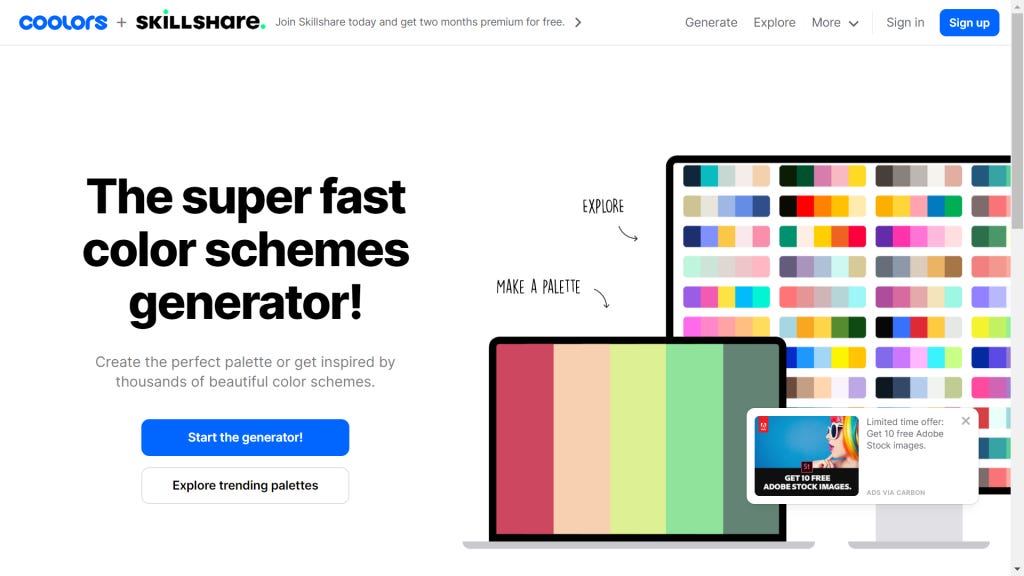
Colors: They set the mood! Use Coolors to find palettes.
Layout: Learn how to balance things on the screen so it’s neat and user-friendly.
4. Build a Few Small Projects
You learn best by doing! Start with simple stuff like:
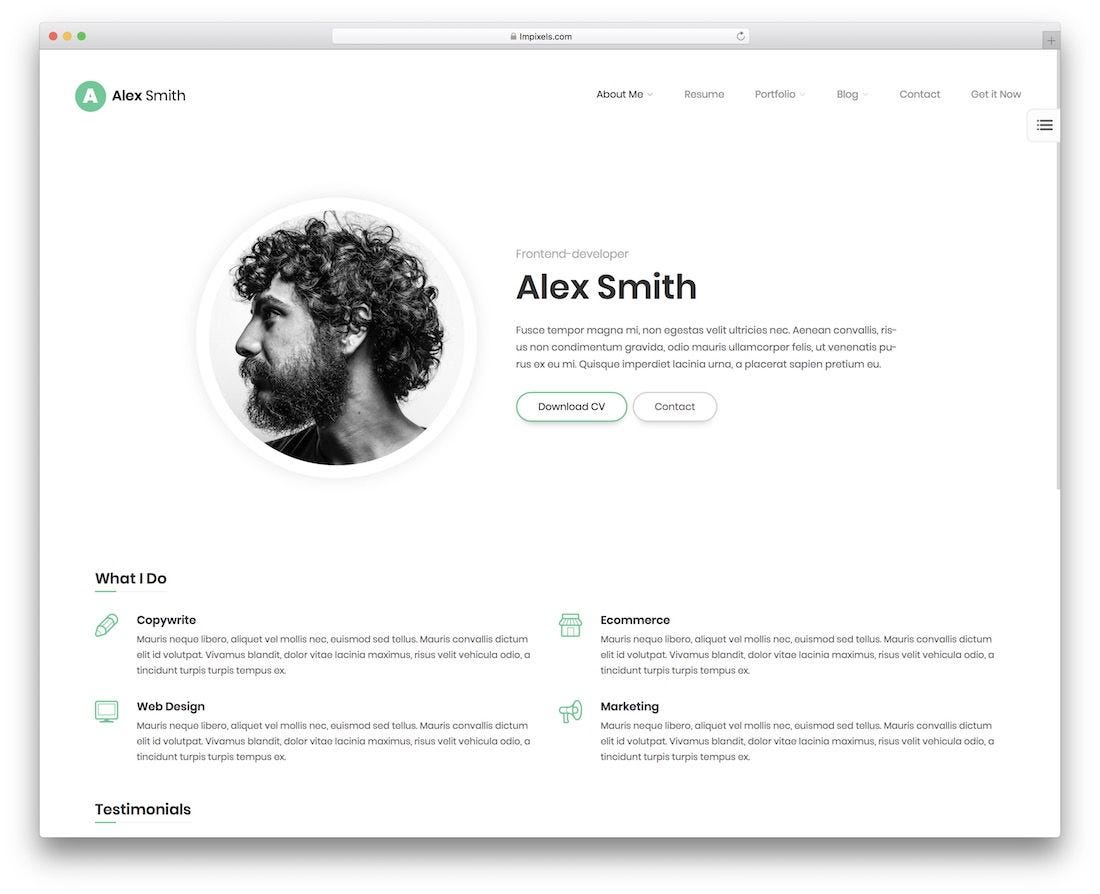
A personal “about me” page.
A simple homepage for a fictional coffee shop.
💡 Pro tip: Copy an existing design for practice. It’s a great way to figure out how things work!
5. Keep Up with What’s Trending
Web design is always changing, so staying in the loop helps.
Join Reddit communities like r/web_design to chat with others learning like you.
Final thoughts
Starting something new can feel tricky, but it’s all about taking it one step at a time. Before you know it, you’ll be making designs you’re proud of.
Got questions or ideas? Drop them below—I’d love to hear how your web design journey is going!
FreeCodeCamp is AWESOME! Started my journey there a long time ago and learned a lot.